> ## Documentation Index
> Fetch the complete documentation index at: https://docs.bloodydash.xyz/llms.txt
> Use this file to discover all available pages before exploring further.
# Settings
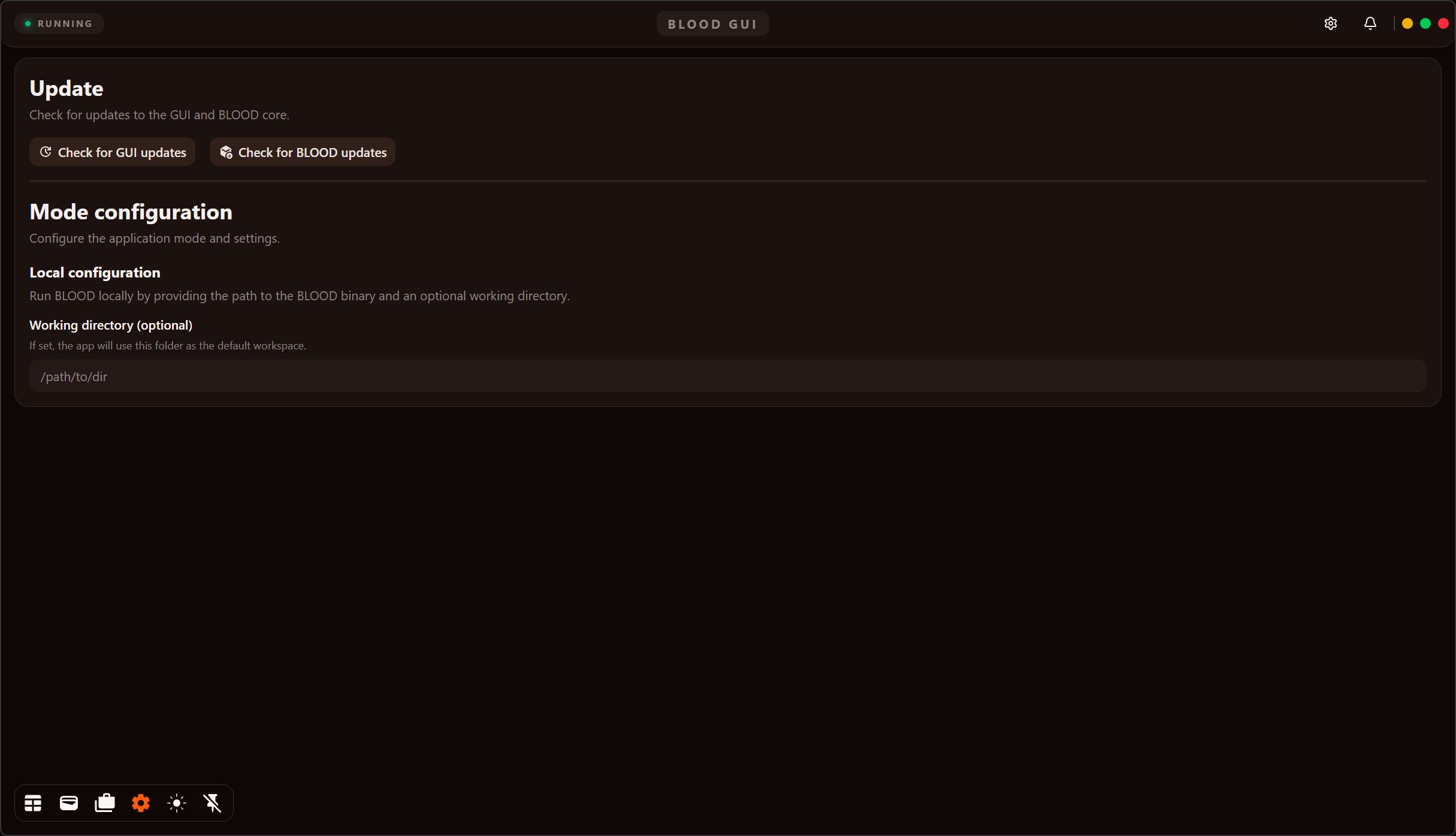 | Button | Action |
| --------------------------- | :--------------------------------------------------------------------------------------------------------------------- |
| **Check for GUI updates** | Fetch and install (if found) new GUI update. |
| **Check for BLOOD updates** | Fetch and install (if found) new BLOOD update. |
| **Working directory** | Paste path to directory (C:/Admin/...) containing BLOOD exe file. Only needed if you plan to use multiple bot folders. |
| Button | Action |
| --------------------------- | :--------------------------------------------------------------------------------------------------------------------- |
| **Check for GUI updates** | Fetch and install (if found) new GUI update. |
| **Check for BLOOD updates** | Fetch and install (if found) new BLOOD update. |
| **Working directory** | Paste path to directory (C:/Admin/...) containing BLOOD exe file. Only needed if you plan to use multiple bot folders. |