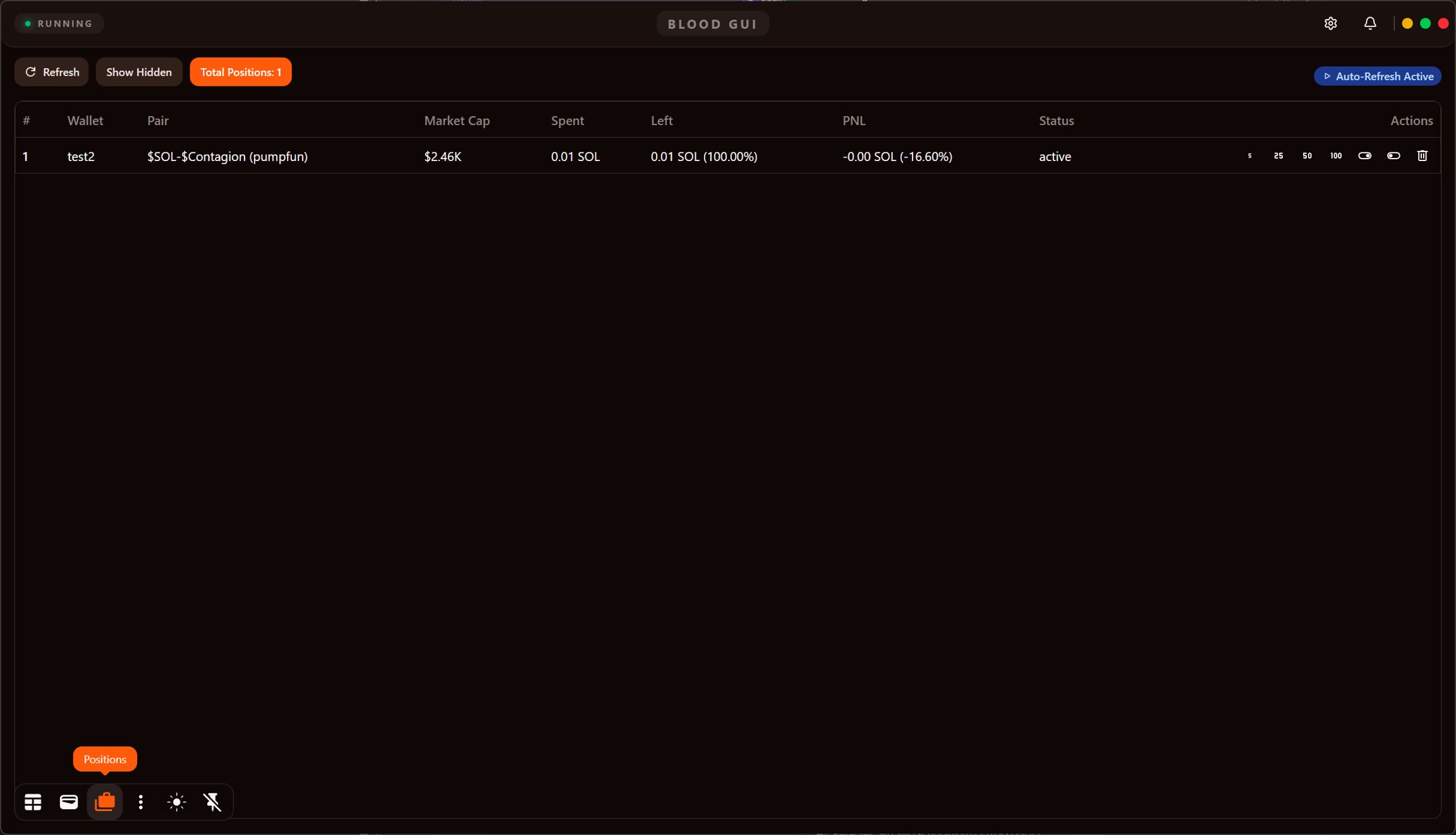
In the CLI, the bot asks for sell slippage % when selling selected positions (press Enter for default 20%), then whether to use a specific sell preset.
Polymarket positions
Use the Onchain / Polymarket switch at the top of the page to change the view.- Switch to Polymarket.
- Select an EVM wallet.
- Sell 5%, 25%, 50% or 100% of a position, or click Open market on Polymarket.