
GUI is available only on Windows. We highly suggest to use the bot only on server to be able to achieve the best performance
Download GUI from Dashboard or Discord Bot
- Dashboard: use this link to download
- Discord: use /gui-download-url command in any channel
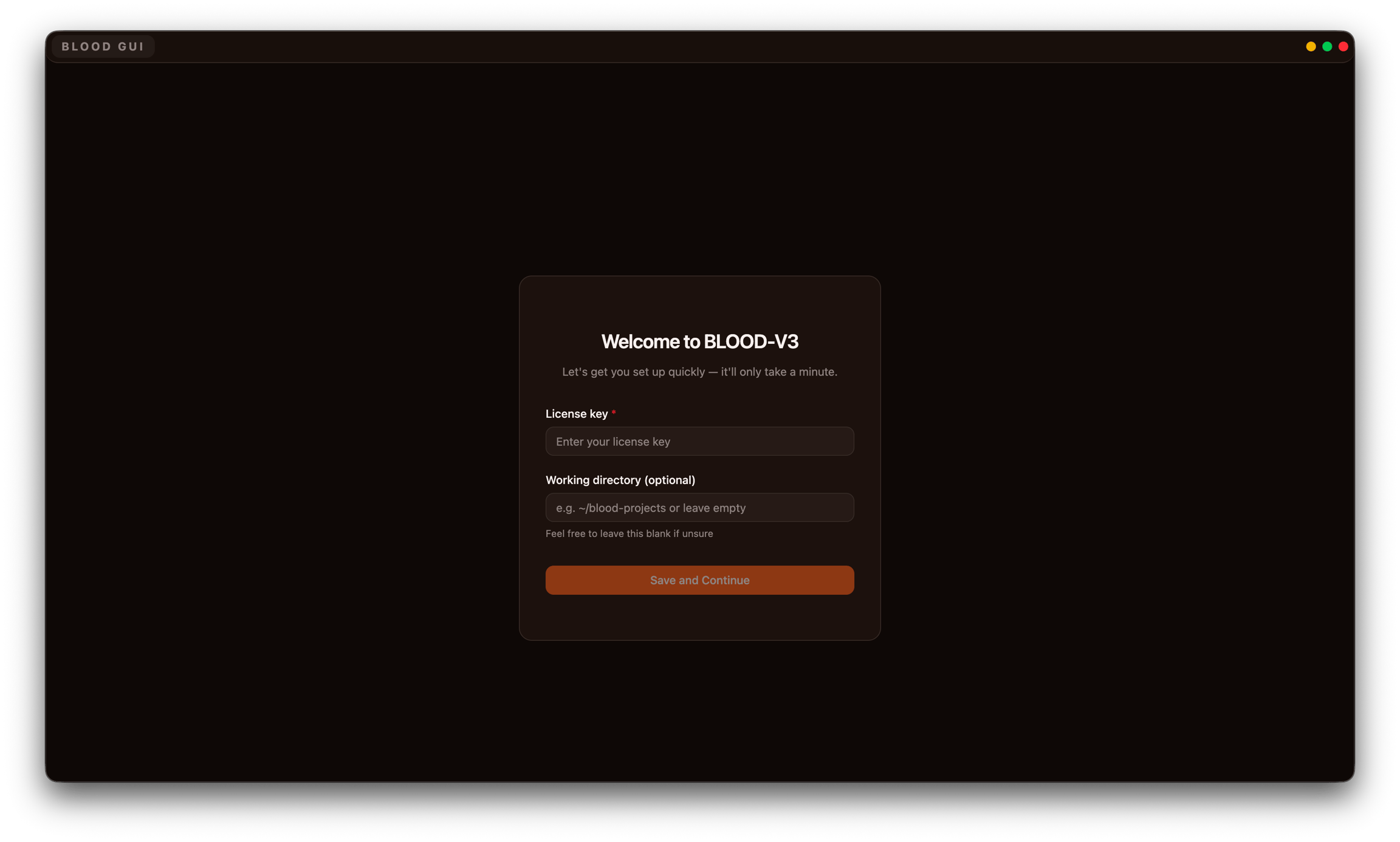
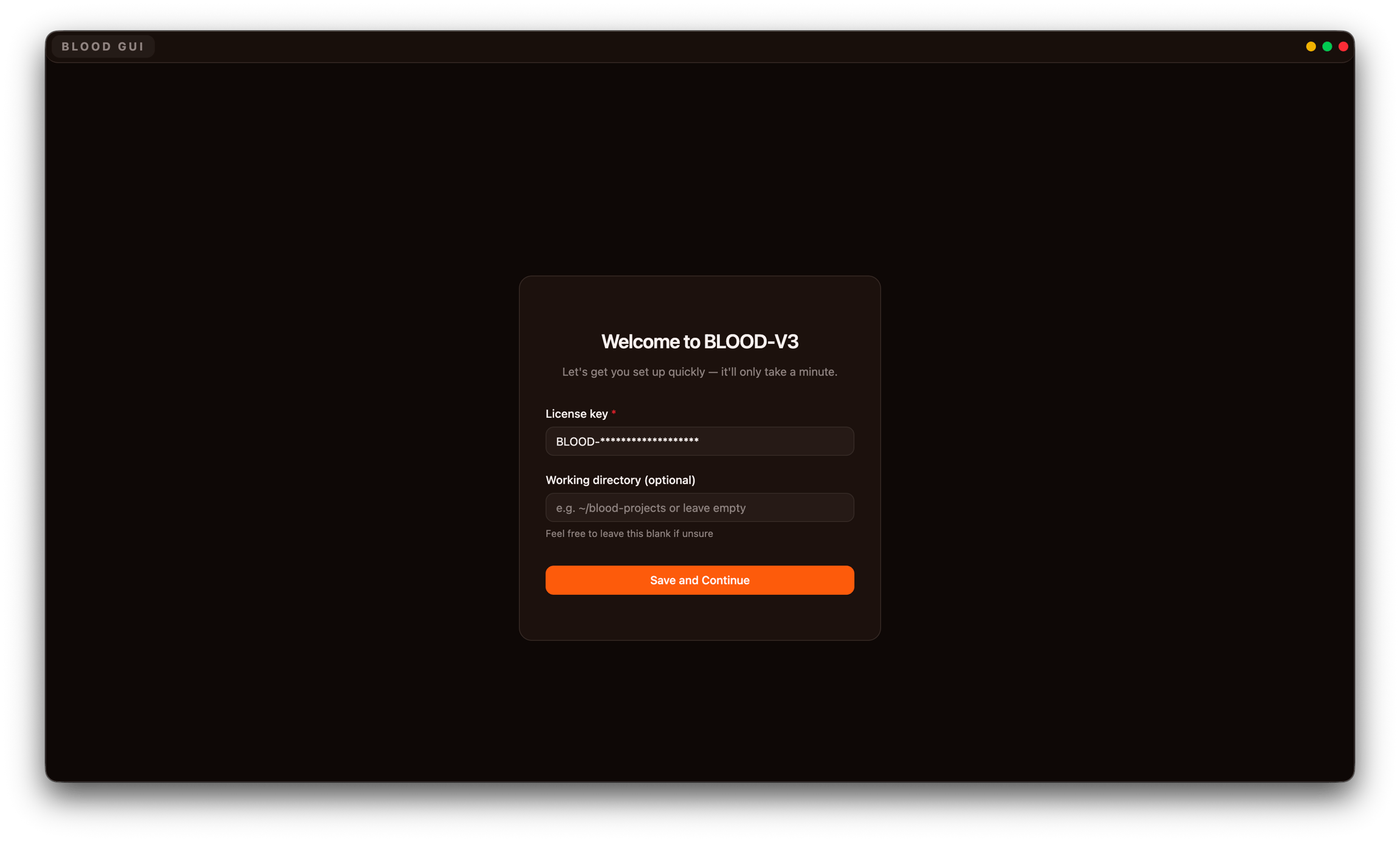
Fill out the form
You can get your license-key from dashboard or discord-bot (use /me command in any channel)
If its your first time launching BLOOD - we recommend to not touch the Working Directory section. If you are migrating from CLI or want to use both you can simply copy the directory path of blood folder and paste there (the GUI will automatically load tasks, strategies and presets)
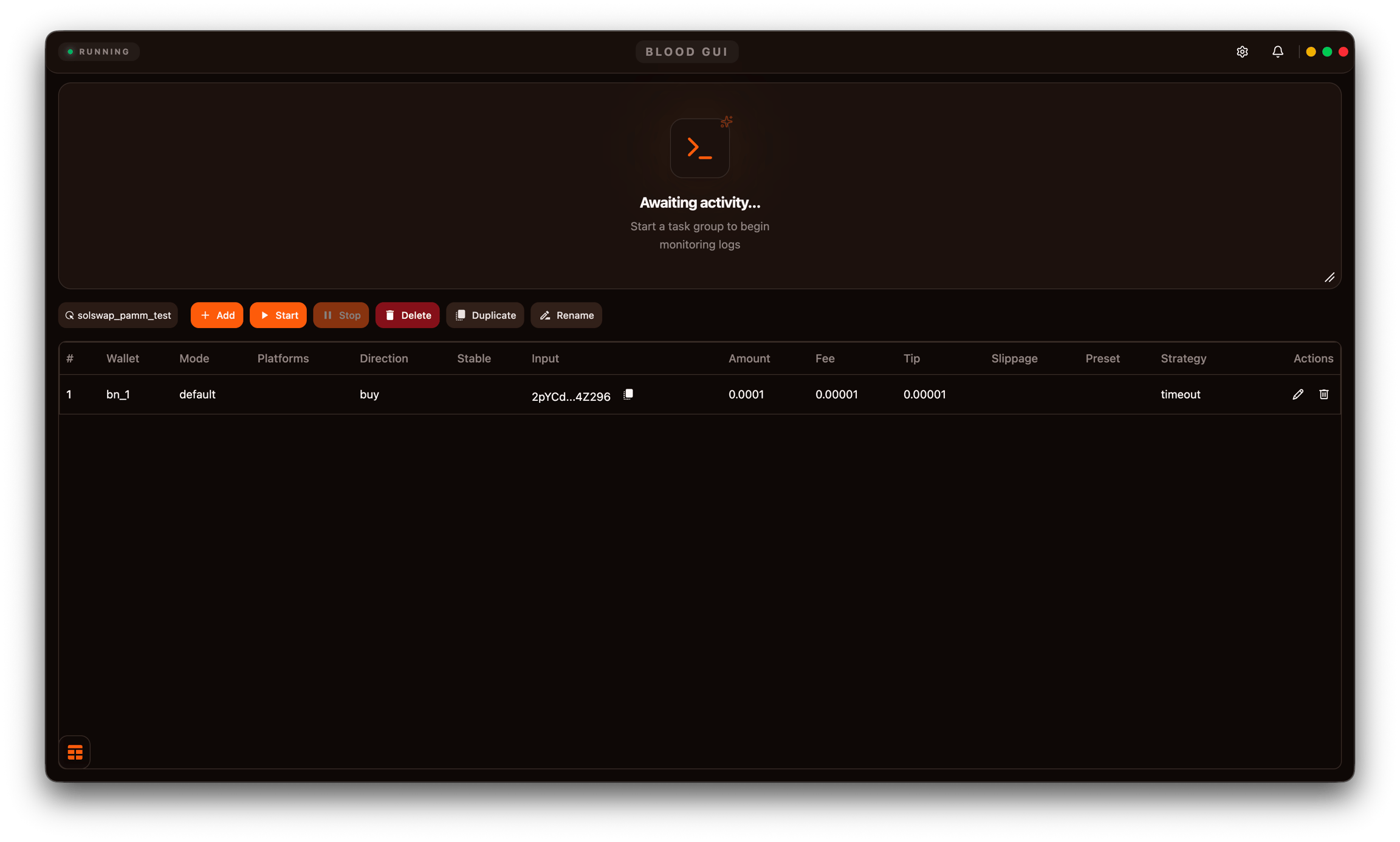
On your first startup we recommend to jump into RPC Management and setup config. This is crucial step to make sure everything runs smooth!